
If you can't visit your build, your developer's photos are your eyes on site. Most diaspora buyers don't quite know what to look for in them — and developers don't always know what to send. A short guide on getting the most out of remote evidence.
Look for context, not just the close-up
Single close-up shots of a beautiful tile are easy. Wide shots from the same vantage point, month after month, are harder to fake and far more useful. Ask for a fixed-position photo at each milestone — same corner of the stand, same height, same direction. Three of those side-by-side tell you more than fifty close-ups.
Read the GPS metadata
Every Okava progress upload has GPS coordinates and a timestamp baked in. You can see them inside the app — the verification team checks them automatically, but it's worth knowing they're there. If the GPS sits outside the stand boundary, something is off. Sometimes it's innocent (the developer's drone took off from the next plot) but it's worth a question.
Drone footage is for orientation
Drone footage isn't there to show you nice angles. Use it to confirm the stand boundary, the orientation, the position of neighbouring buildings, and progress against the site plan. A 90-second overhead pass at every milestone is gold.
Seasonal photos beat staged shots
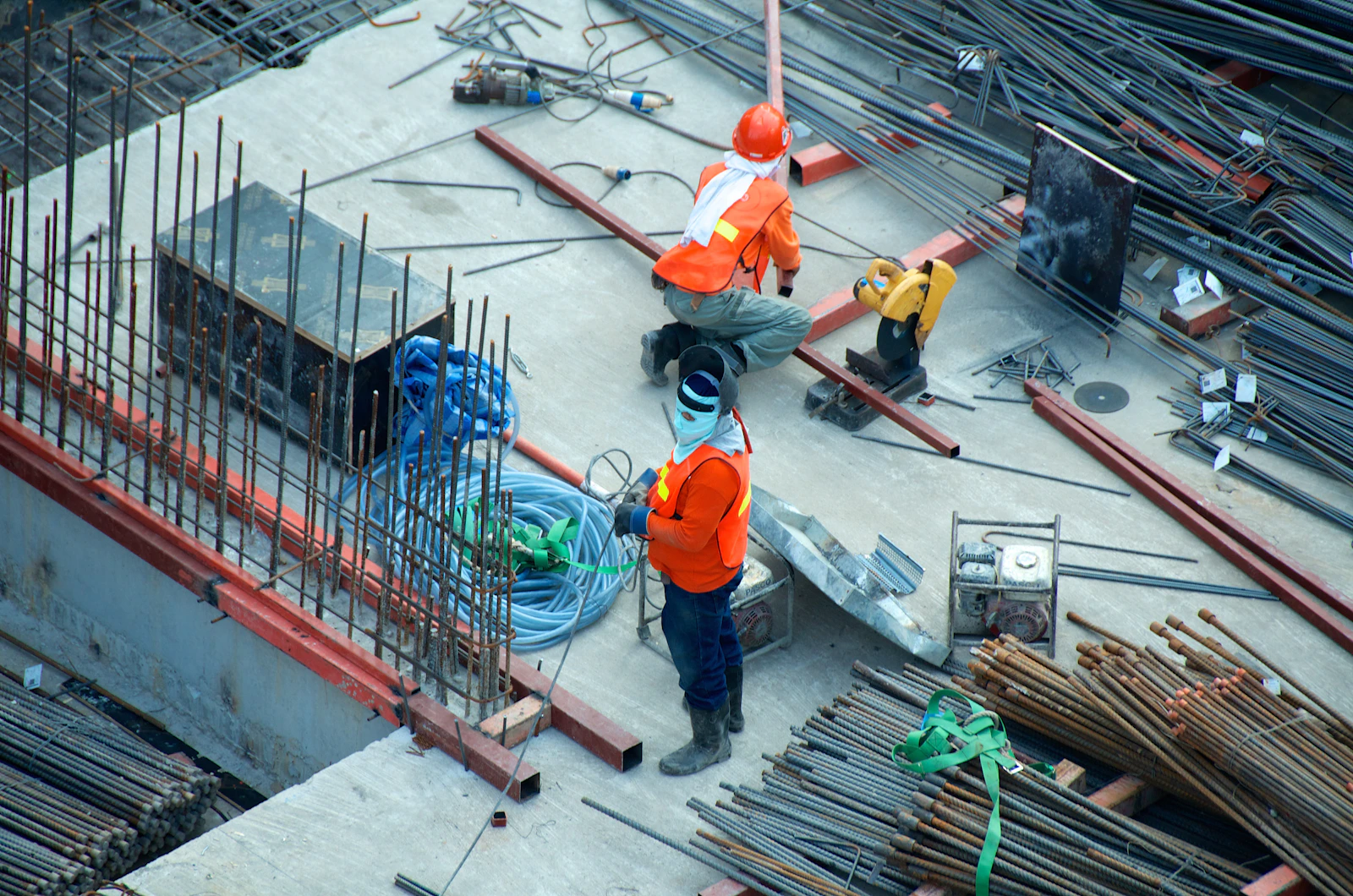
Photos taken on a normal weekday in rainy weather are worth more than golden-hour glamour shots. They show real conditions — drainage, mud, scaffolding — and they're harder to game.
Voice notes from the foreman
Ask developers to include a 60-second voice note from the foreman or site supervisor at each milestone, talking through what changed since the last upload. You'll learn more from someone describing the build out loud than from any photo set.
Booking a site call
When in doubt, book a 15-minute video walk-through. The developer holds the phone, you talk them around the site. You'd be amazed what comes up in 15 minutes that didn't show up in two months of photos.